|

Dilonardo Game Edit
Description
Screen Shots
Contributors
System Requirements
Download
Feedback
Archives

Easy game resources collector and editor, that allows third parties
to work on a game, without having to recompile the game project. This is only
intended for small 2D games or applications, just for fun, there is currently no compatibility
with DirectX.
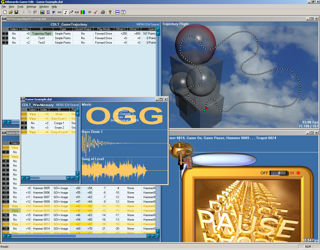
Dilonardo Game Edit has a unique real-time animated multimedia
contents and scalable architecture.
I am currently working on a DLL that will include every functions
needed to load and use the Game Edit resource files.
To modify the contents of grids, just
click on a cell with the right mouse button. Use the middle mouse button to
quickly move in grids.
In views that can be moved by mouse, holding the SHIFT or ALT key, produces
different kind of movement.
Whole Features
- Multiple Document Interface application
- Advanced and optimized graphical user interface
- Handles:
- Bitmaps
- Animations
- Maps
- Texts and Parameters
- Music and Sounds
- Trajectories and Shapes
- Binary Files
- Colors
- User Interface
- Game Worlds
- Supports large volumes
- Polyphonic OGG and WAV Audio
- Image files formats supported: png, jpg, gif, tif, png, bmp, ...
- Advanced find and replace text that works also with values
- Trajectories:
- Advanced sprite trajectory edition through resample, smooth, quantify
and noise algorithms
- Trajectory play speed interpolation
- Trajectory preview using background and moving object bitmaps
- Trajectory conversion to MS Windows HRGN regions
- Work also to define bounds for collision detection
- Colors store also the alpha channel
- Comments allowed for every item
- Cross-referenced bitmaps and texts
- Real-time previews
- Operations on items: Insert, Delete, Move and Group
- Support for files drag'n'drop
- Displays useful information about items
- Animations play modes: forward and backward, once and loop
- Where possible, multiple selections show multiple items at the same time
- Bitmaps memory spare with the "Crop to Alpha Channel" command
- Image files to AVI conversion tool included
- All the graphical objects store a display offset to allow adjustments to
position
- Document properties
- Game internal speed can be set using the document's properties dialog box
- The resulting resource file is saved using a small encryption
- The User Interface pane allows real-time testing and preview of menus and dialogs
- The Game World design pane allows 2D games and isometric 3D projection preview
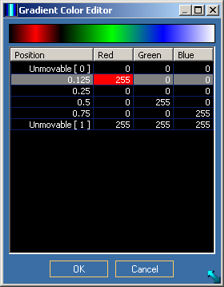
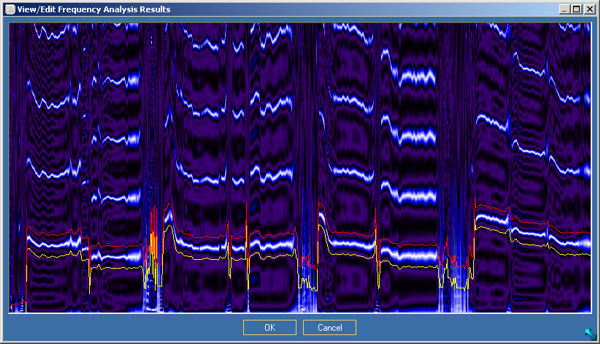
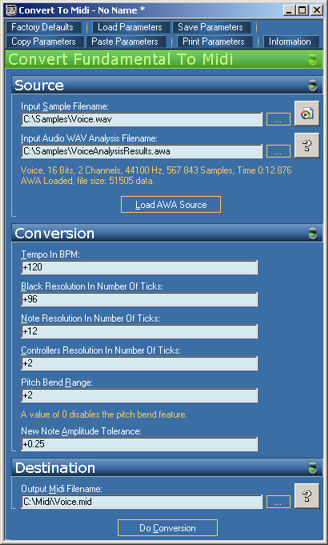
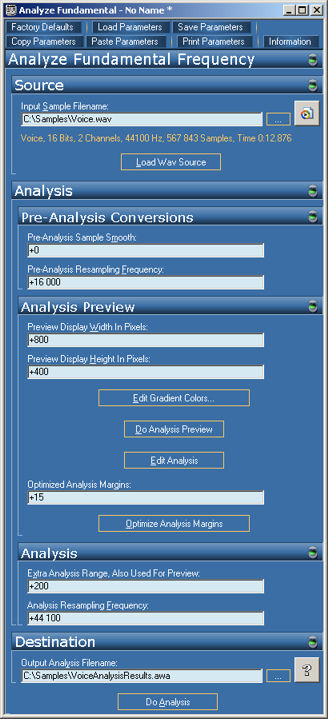
- An audio tool allows you to convert a monophonic sound to a standardized Midi synthesizer file : that means that you can map what you sing to an instrument of a synthesizer


NB: Screen shots and colors may differ from actual
version.
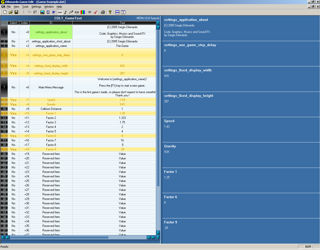
Multiple Document Interface Application
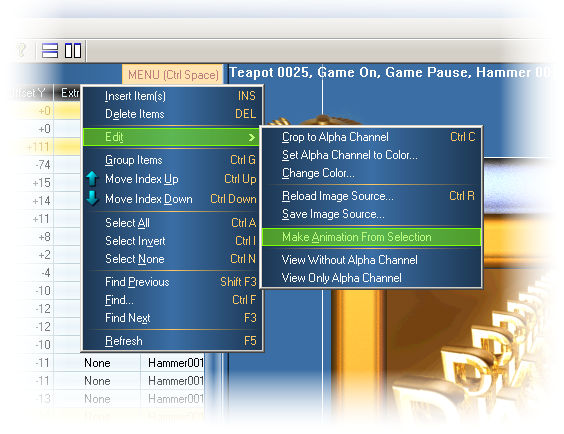
Per-View Advanced Menus
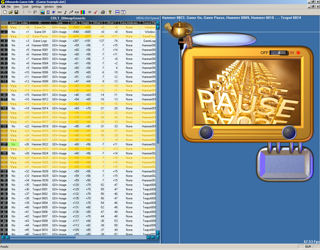
Bitmaps View
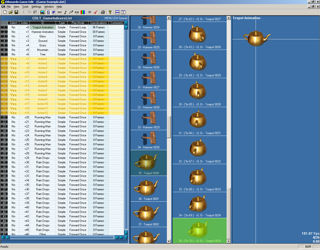
Animations View
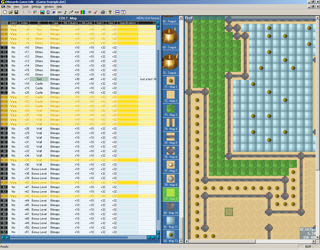

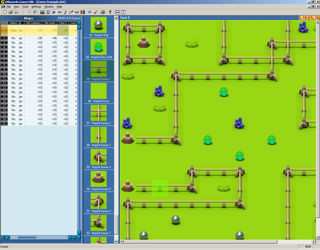
Maps View
Texts and Parameters View
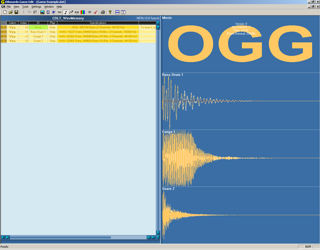
Music and Sounds View
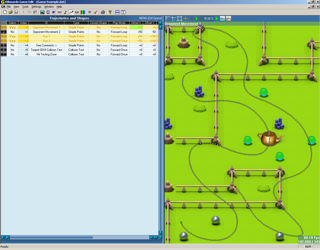

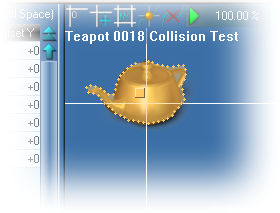
Trajectories and Shapes View

Binary Files View
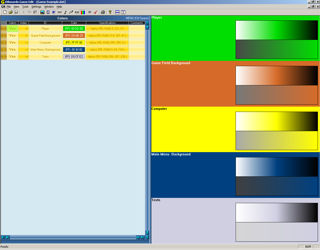
Colors View
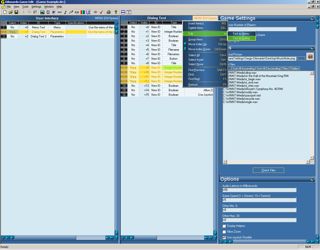
User Interfaces View
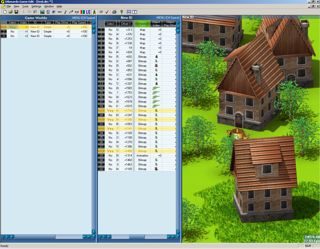
Game Worlds View
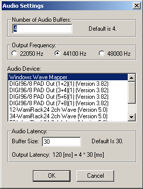
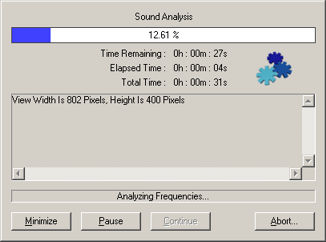
Audio Settings
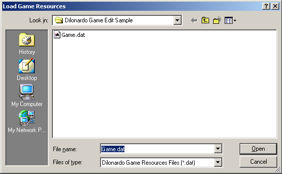
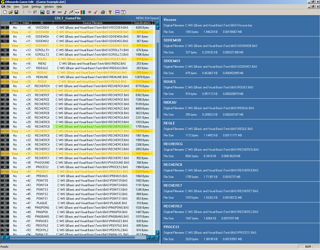
File Open & Save
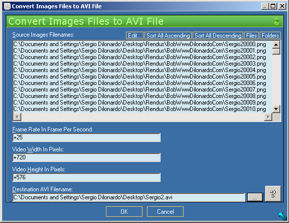
Convert Images Files to AVI File Tool
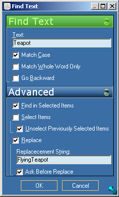
Advanced Find and Replace Text/Value

Software tester
Sébastien Baelde, Geneva, Switzerland
Audio software tester
Enrico Pontinelli, Geneva, Switzerland


Operating System(s)
Windows 98
Windows NT
Windows 2000
Windows XP
Windows Vista or higher
Processor
Running at 1000 MHZ or better strongly recommended
Memory
256 MB RAM
Hard Disk
At least 300 MB of free space
Display
True color (32 bits) recommended
Sound card and speakers
Required for listening to sounds


I would appreciate some feedback
on my work.


Changes between release version 3.8 and 3.9
- The software is now compatible with Windows Vista
- The software Dilonardo Music and Audio Tools has now been merged into it (phase 1 of 3)
You can convert a monophonic sound to a standardized Midi synthesizer file : that means that you can map what you sing to an instrument of a synthesizer
- Enhanced overall layout
- Added mouse wheel support to User Interfaces parameters
- Changed User Interfaces help texts to multiline
| Windows 98, NT, 2000, XP or higher |
Software, full install BETA Public Release Version 3.8
This setup file includes everything needed to install, uninstall and
run the software. The sample project is also included.
|
9.27 MB |
Setup
Dilonardo Game Edit 308.zip
October 2006
|
Changes between release version 3.7 and 3.8
- The Game Worlds pane is now fully functional. Added support for referenced worlds and worlds items. Added "Sort by Offsets Y" type for real-time Z ordering of Game World's elements. Fixed updates, play speeds and offsets bugs.
- The feature "Maintain Relationships" is now fully accessible and functional, it allows changes to be synchronized between panes. NB: The move, sort and delete operations are slower when this mode is activated. This mode is activated by default.
- Grid's cells automatically grow when you type something bigger inside
- Improved the speed of the User Interfaces pane and dialogs
- Added sort feature to grids
- Maintaining the SHIFT key while moving the cursor position in grids extents the items selection
- Removed continuous refresh from the Bitmaps pane for faster response
- Fixed crash occuring when deleting items
| Windows 98, NT, 2000, XP or higher |
Software, full install BETA Public Release Version 3.7
This setup file includes everything needed to install, uninstall and
run the software. The sample project is also included.
|
9.26 MB |
Setup
Dilonardo Game Edit 307.zip
July 2006
|
Changes between release version 3.6 and 3.7
- Added a new "Game Worlds" pane that allows 2D games and isometric 3D projection, functional but work still in progress...
- Enhanced the "User Interface" pane, added types "Floating Number, Text and Color", work still in progress...
- Added preview icons to the bitmaps' view
- Added an asterisk * to the document's title if it has been modified, to avoid loosing changes
- Updated the example document
- Fixed some bugs
| Windows 98, NT, 2000, XP or higher |
Software, full install BETA Public Release Version 3.6
This setup file includes everything needed to install, uninstall and
run the software. The sample project is also included.
|
7.83 MB |
Setup
Dilonardo Game Edit 306.zip
March 2006
|
Changes between release version 3.5 and 3.6
- Enhanced the new "User Interface" pane, now functional, but work still in progress...
- Windows XP and over: fixed wrong filename for the manifest file (Windows XP look)
| Windows 98, NT, 2000, XP or higher |
Software, full install BETA Public Release Version 3.5
File save is enabled.
This setup file includes everything needed to install, uninstall and
run the software. The sample project is also included.
|
7.83 MB |
Setup
Dilonardo Game Edit 305.zip
February 2006
|
Changes between release version 3.4 and 3.5
- Enabled the document file save feature
- Added zooming feature to maps' view
- Added a new "User Interfaces" pane, work in progress...
- Done missing features in the trajectories' view and fixed resample/smooth/noise/quantify algorithms to support closed trajectories, added trajectory play speed data
- Improved scroll bars
- Fixed bugs in grids and added support for mouse wheel (smooth scroll)
- Improved the graphical user interface layout, improved bitmaps list, fixed a bug in text edit controls
- Improved document's properties
- New documents file extension ".drc"
| Windows 98, NT, 2000, XP or higher |
Software, full install
BETA Public Release Version 3.4
File save is still disabled for this version.
This setup file includes everything needed to install, uninstall and
run the software. The sample project is also included.
|
7.79 MB |
Setup
Dilonardo Game Edit 304.zip
October 2005
|
Changes between release version 3.3 and 3.4
- Fixed bugs in grids and optimized performances, including support for large volumes of data
- Greatly improved the speed and stability of the maps' view
- Fixed bugs in the trajectories' view and added a real-time speed jog button
- During a drag'n'drop operation, files are sorted by name to ensure correct sequencing
- Improved the graphical user interface layout
- In bitmaps' view, added a feature "build animation from selection"
- In Music and Sounds' view, one step inserts instead of two
- Updated the example document
- Better estimation of FPS (Frames Per Second) using an average
| Windows 98, NT, 2000, XP or higher |
Software, full install BETA Public Release Version 3.3
File save is still disabled for this version.
This setup file includes everything needed to install, uninstall and
run the software. The sample project is also included.
|
7.73 MB |
Setup
Dilonardo Game Edit 303.zip
August 2005
|
Changes between release version 3.2 and 3.3
- Built a setup file for safer, easier and clearer installation of the software,
perfect uninstallation through Windows "Add/Remove Programs" control
panel
- Improved the stability and fixed known bugs
- Improved the graphical user interface layout
| Windows 98, NT, 2000, XP or higher |
Software
BETA Public Release Version 3.2
File save is disabled for this version.
GDIPlus.DLL may be needed on Windows 98, NT and 2000. Download
it here if you get an error message when launching the software.
|
383 KB |
Game
Edit.zip
May 2005
|
| Dilonardo Game Edit |
Sample project |
2.09 MB |
Game
Edit Sample.zip
May 2005
|
Documents, links, and software are provided "as is", without any warranty, expressed or implied. I am in no way liable for any damages, direct or indirect, caused by any of the provided documents, links or software. You use them at your own risk.
Copyright © 1996-2010 Sergio Dilonardo, Switzerland. All rights reserved.

|